Case Stories Download Access
Request and open case-study PDFs in one flow
Select the case-story track that matches your business scenario, submit your details, and open the selected PDF in a new tab. Every request is captured in your admin portal.
Step 1Choose case-story category
Step 2Complete request details
Step 3PDF opens in a new tab
1) Choose your case story
Select the case-study pack you want. You can switch before submitting.

Case Stories - Data Centers
Real deployments for critical backup power, uptime resilience, and monitoring at scale.
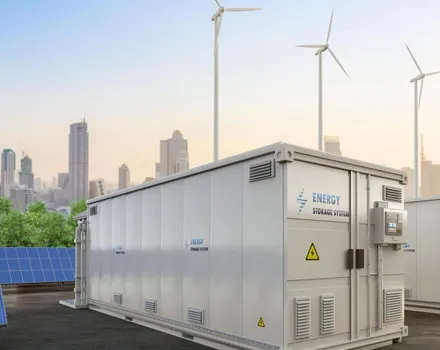
Case Stories - Energy Storage Systems
Field-proven ESS projects across utility and C&I scenarios with operational outcomes.
Selected case story: Case Stories - Data Centers
2) Submit your request
Your submission is logged in the admin backend before the file is opened.